Troubleshooting Domain Problems and Inaccessible Web Pages
Guide to diagnosing and resolving domain errors, unreachable pages, DNS, SSL and more.
Written By CrocoTeam
Last updated 6 months ago
"SSL" Errors
An SSL error occurs when there is a problem with a website's SSL certificate or SSL/TLS configuration.
SSL/TLS ensures encrypted and secure communication between a browser and a server.
Here are some common reasons for an SSL error on CrocoClick:
Multiple DNS records (A or CNAME) for the same domain/subdomain: A domain can only be linked to a single platform/server at a time.
No DNS records present: A DNS record must be added for the domain to function properly.
Multiple A records: If multiple A records are added, this will create a conflict.
AAAA record present in addition to an A/CNAME record: This can also cause issues.
Flag by a browser: If the site is flagged for social engineering content (spam), check this in the Google Search Console.
"CNAME/A record not found" error
This error indicates that the DNS record is not configured correctly or has been added to the wrong domain host. To resolve this issue:
Go to your domain registrar.
Make sure the DNS record is correctly added to the appropriate registrar.
If the error persists, delete the previous records, re-add the DNS records, and then add the domain again.
"404: Page Not Found" Error
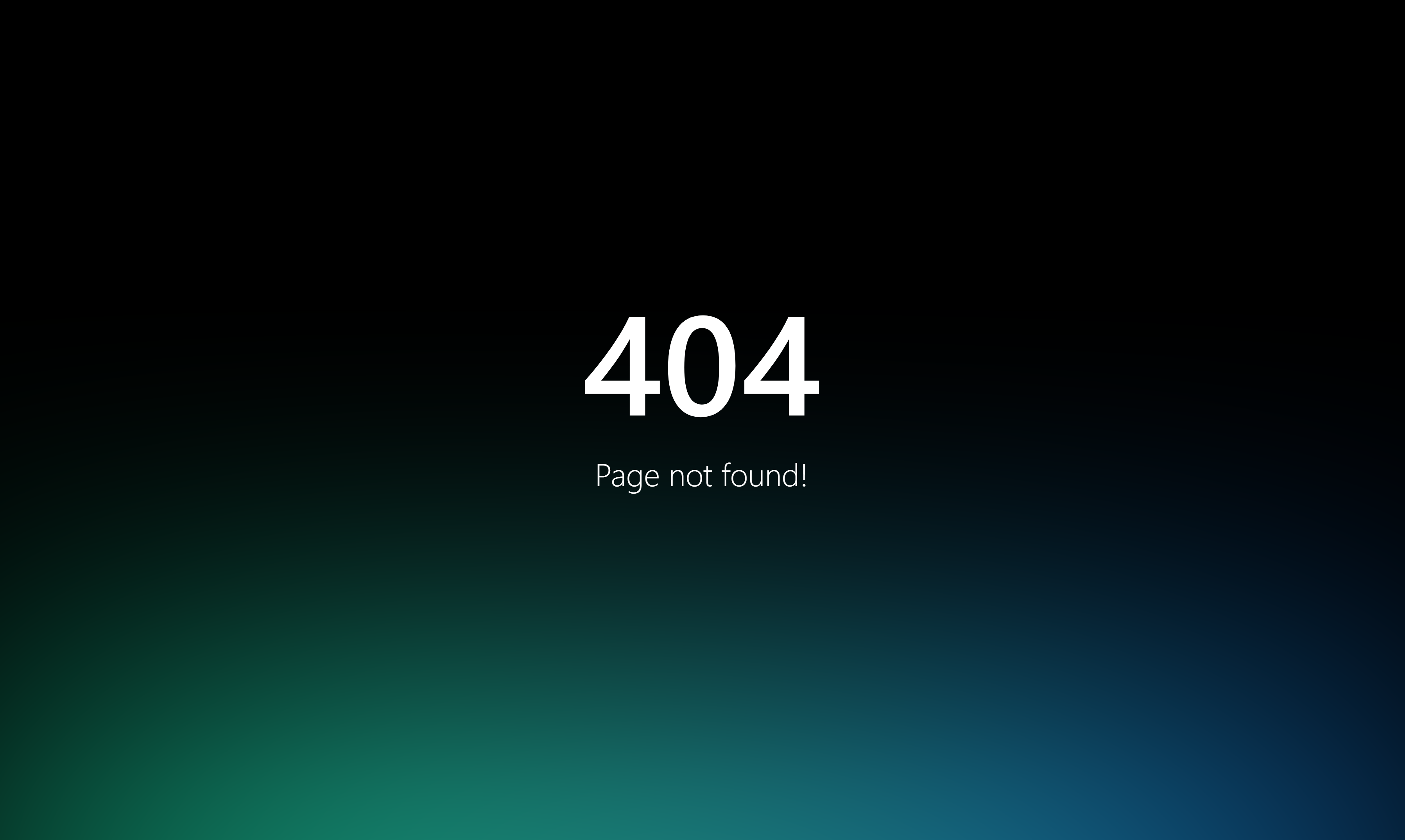
A 404 error occurs when the requested page is not available on the server. Here’s how to resolve it:
Domain without a path: Go to Settings > Domains > Edit Domain and select a default page.
Domain with a path: Make sure the path is correctly configured in the connected Funnel / Website.
Intermittent 404 error: If you’re using the www domain, make sure you’ve set up a redirect from www to non-www (or vice versa).
Also, if the 404 error does not look like the image below, this means there is already a site at your domain address. In this case, refer to the "SSL error" section above
"Proxy" issues (if you use Cloudflare)
If your DNS configuration is correct but you’re encountering privacy or image display errors, make sure the proxy status in Cloudflare is set to DNS Only. If the proxy is active, it may cause errors.
500 "appendchild on node" error (if you use Cloudflare)
To resolve a 500 error in Cloudflare:
Log in to Cloudflare.
Click on the affected domain.
Go to the DNS tab.
Change the proxy status by unchecking it.
Click Save.
Domain Management FAQ
Can I use the same domain on multiple platforms? No, a domain or subdomain can only be used with one platform at a time.
For multiple uses, opt for subdomains (e.g., go.yourdomain.com).Can I add the same domain to multiple CrocoClick accounts? Yes, a domain can be added to multiple sub-accounts in CrocoClick.
Do I need to purchase an SSL certificate for the domain? No, the SSL certificate is generated automatically after the domain is added.
Can I purchase a domain directly from you? Yes, absolutely! To do so, go to Settings > Domains > Buy a Domain
How many funnels/websites can I connect to a domain? At CrocoClick, the number of sites, pages, and funnels you can create is unlimited :)