Automatic validation of your contacts' emails in CrocoClick 🚀
Protect your reputation and boost your campaigns!
Written By CrocoTeam
Last updated 8 months ago
Email validation ensures that your messages are sent to valid and active addresses.
This feature reduces bounces, maintains the quality of your lists, and improves your reputation as a sender.
Here's how it works:
🛠 How it works
Automatic validation before sending
Each email address is validated before sending.
If an address was validated more than 90 days ago, it will be revalidated before the next sending.
Manual validation from the contact file
Access the contact record.
Scroll down to the right-hand panel.
Click on the envelope icon to validate the email manually.
Validation indicators:
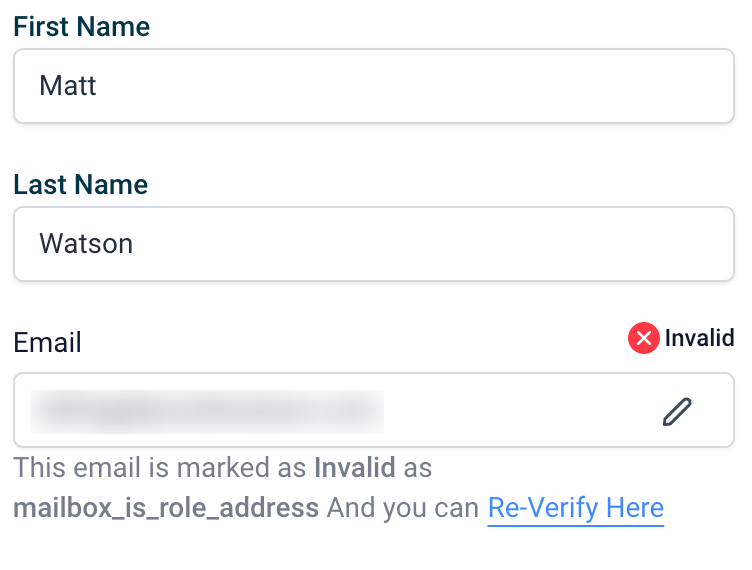
Red: Invalid address or address that has already bounced. An error message will specify the reason.
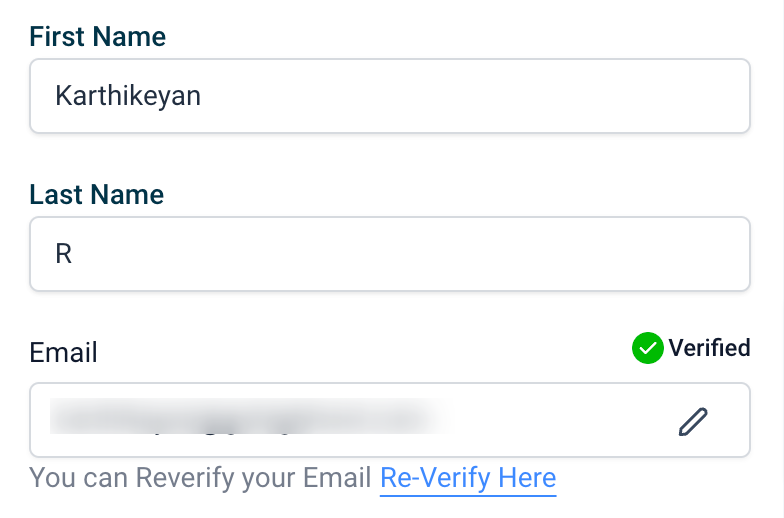
Green: Address verified and valid.
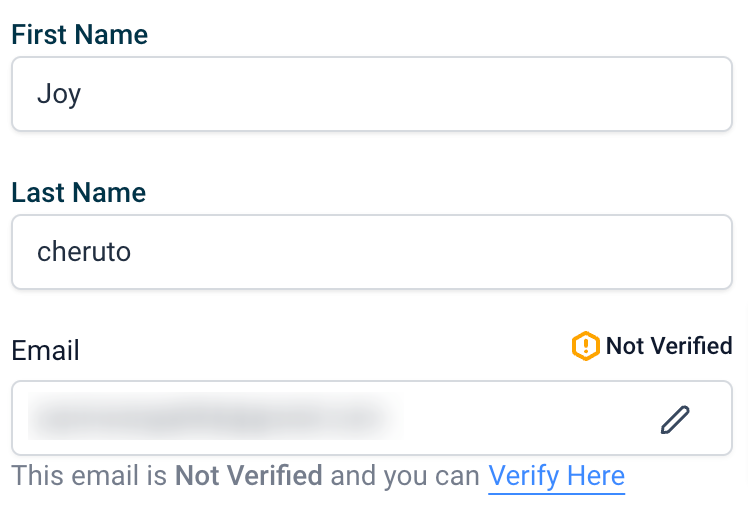
Yellow: Address not verified (awaiting confirmation).
✅ How to enable or disable email validation
Go to your account settings.
Go to Company Profile > General.
Check or uncheck the option "Verify email address when the first email is sent to a new contact."

🧐 FAQ
What does email validation check?
The correct syntax of the email address.
The domain configuration for receiving emails.
The existence of the email address.
The detection of high-risk addresses or those likely to be spam.
Exclusion of role-based addresses (e.g., info@domain.com or admin@domain.com).
Why is email validation important?
🚀 Improves deliverability rates: Filters out invalid addresses.
🧹 Keeps your contact list clean: Keeps your lists up to date.
📊 Improves your marketing performance: Boosts open and click-through rates.
🛡 Protects your sender reputation: Reduces the risk of your emails being marked as spam.
How does email validation impact deliverability?
Fewer bounces mean better deliverability rates.
Protects your IP and domain reputation by reducing spam reports.
Ensures your emails arrive in the inbox rather than in spam.
Why is automatic validation enabled on my account?
If your account was recently created or if your email list's deliverability rate was below 90%, automatic validation is enabled to ensure address accuracy and protect your deliverability rates.
When should you validate your email list?
If you have purchased or inherited an email list (we strongly advise against purchasing lists).
If your list has not been updated for some time.
When there is significant growth in your list.
Additional benefits
Email validation is not only a technical necessity, it is a strategic advantage. Keeping your lists clean ensures better interaction with your audience and reduces the risk of your campaigns failing.