Search Engine Optimization (SEO) on CrocoCliCk
Learn how to optimize the natural referencing (SEO) of your pages in CrocoClick: discover good metadata practices, structure your content with H1, H2, H3, and understand the impact of each element (tags, speed, canonical, images). Follow this step-by-step guide to improve your site's visibility in Google.
Written By Lalaina de Crococlick
Last updated 8 months ago
SEO on CrocoClick is based on two inseparable pillars:
Metadata → what Google displays
Content structure → what Google understands
👉 One without the other doesn’t work.
This guide shows you where to click, what to fill in, and how to structure your pages to achieve clean, sustainable, and effective SEO.
PART 1 — SEO Metadata in CrocoClick
Where to find SEO settings
Open your site or funnel
Select a page
Open SEO Meta Data
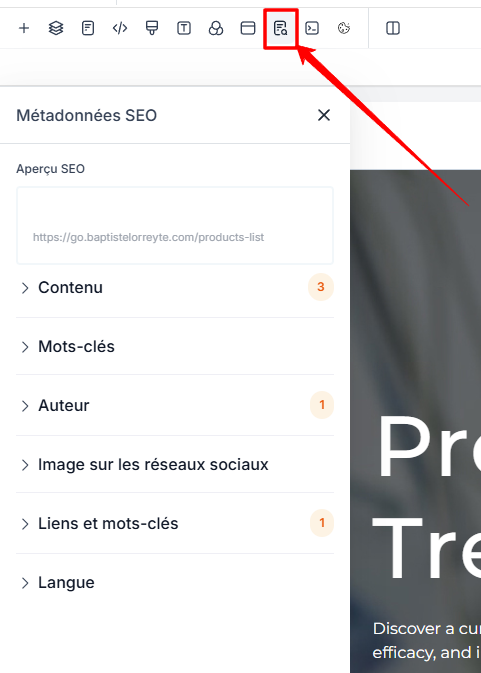
This is where you control Google rendering and social sharing.
1. SEO Preview
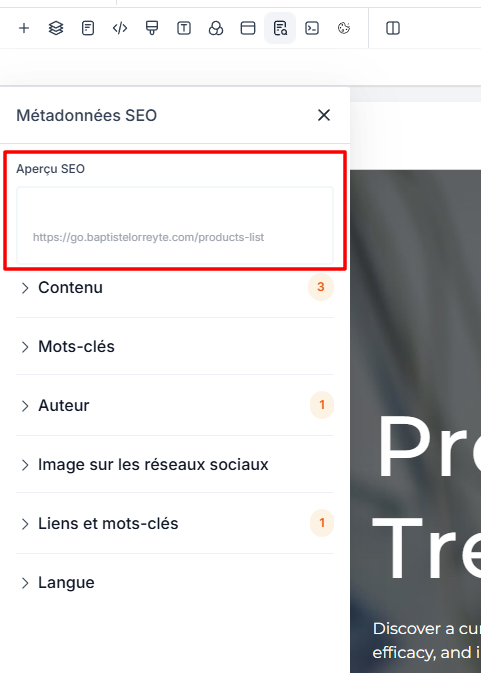
What it does
Displays a preview of the Google result:
Title
URL
Meta description
Good practice
Before publishing, check:
The title isn’t cut off
The description is readable
The URL is clean
2. Title (SEO Title)
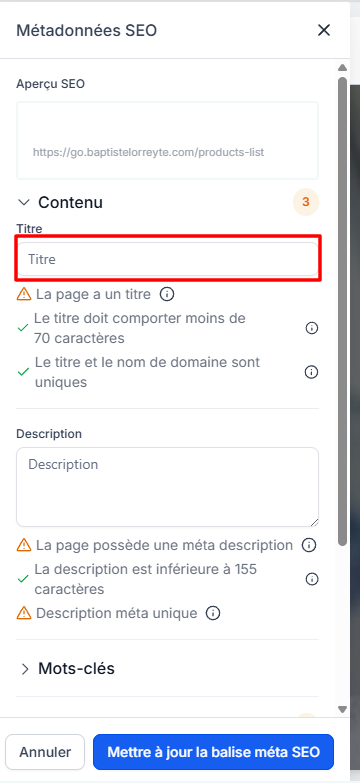
Role
This is the #1 on-page SEO factor.
Best practices
50 to 60 characters max
Includes main keyword
Unique per page
Human-readable
Example
CRM Software for Coaches – Automate Your Business | CrocoClick
3. Meta Description
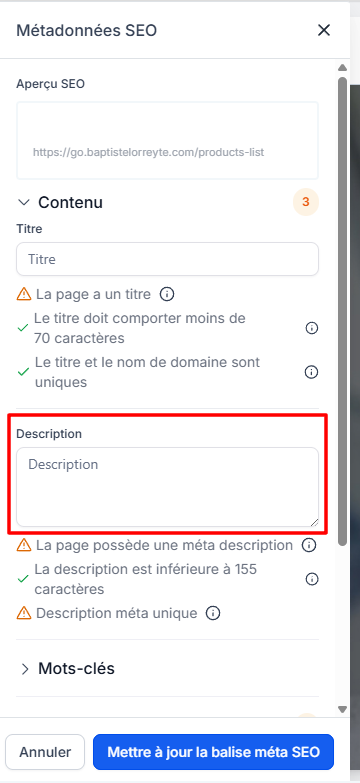
Role
Does not directly influence rankings,
but significantly increases the click-through rate.
Best Practices
140 to 155 characters
Summarize the page’s promise
Make people want to click
Example
Centralize your leads, automate your follow-up, and grow your business with CrocoClick. Try it risk-free.
4. Keywords
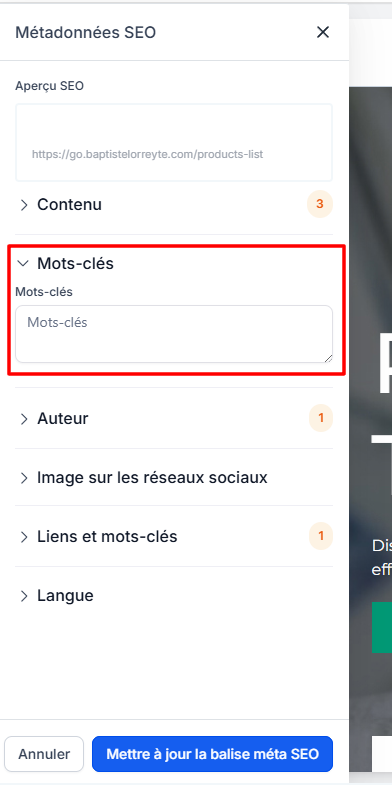
Note
This field is no longer used by Google.
Recommendation
Optional
Can be left blank
No real SEO impact
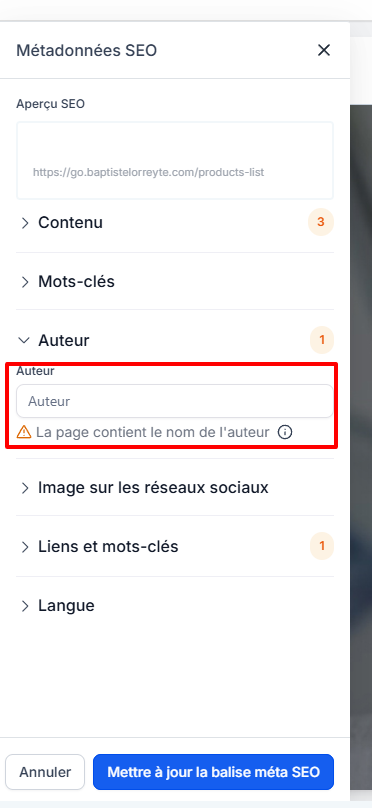
5. Author
Role
Indicates the author of the content.
Best practice
Brand name
Or real person (blog, expertise)
Example
CrocoClick
Baptiste – CrocoClick
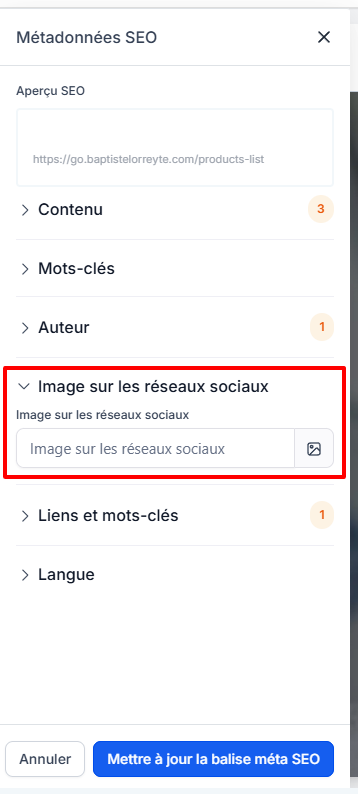
6. Social Image (share image)
Role
Image displayed when sharing on:
Facebook
LinkedIn
WhatsApp
Slack
Best practices
1200 × 630 px
Little text
Clear, high-contrast image
👉 If no image is specified, platforms will choose one at random.
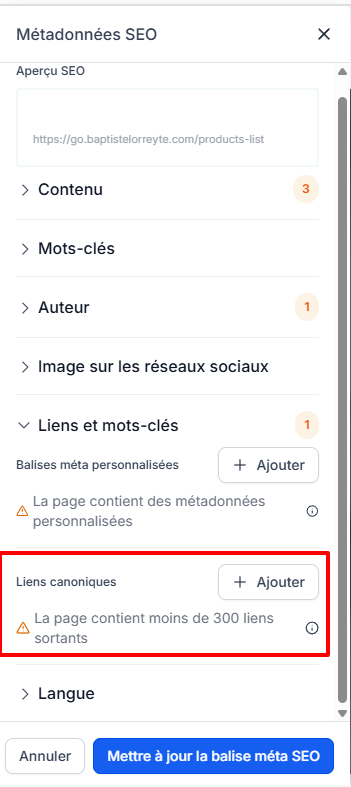
7. Canonical Link
What is it for
Tells Google which is the official version of the page.
Essential if:
Duplicate content
Page variations
Tests or duplicate URLs
Example
https://votresite.com/page-principale
8. Language
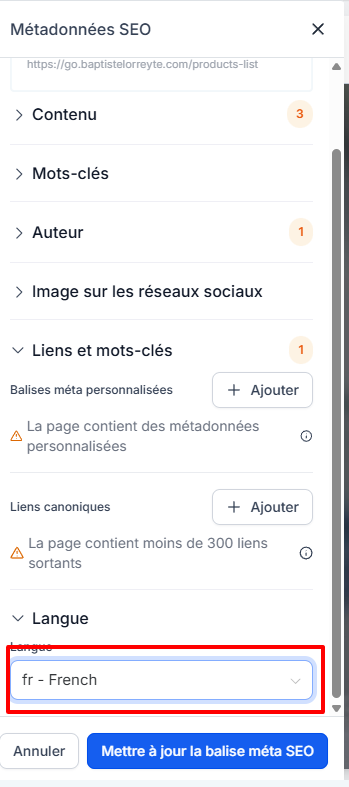
Role
Indicates the primary language of the page to Google.
Best practice
French → fr
English → en
PART 2 — Structuring Content Correctly (On-Page SEO)
Metadata tells Google what to display.
The structure tells Google what the page is about.
1. The H1 (main title)
Golden rule
👉 Only 1 H1 per page
Best practice
Main topic of the page
Close to the SEO title
Visible in the content
Example
H1: CRM software for independent coaches
2. H2s (main sections)
Role
Break the page down into main ideas.
Best practices
Each H2 = a subtopic
Include secondary keywords
Logical structure
Example
H2: Why use a CRM when you're a coach
H2: CrocoClick’s key features
H2: Who is CrocoClick for
3. H3s (details and subsections)
Role
Provide details on an H2.
Example
H3: Customer follow-up automation
H3: Lead centralization
4. Text content
What Google values
Clarity
Readability
Addressing a specific intent
Best practices
Short paragraphs
Bulleted lists
Simple language
No keyword stuffing
👉 Write for humans, not for robots.
5. Images and SEO
Each image should have:
A descriptive filename
Alternative text (alt)
Example
crm-coach-dashboard.png
Alt: CRM dashboard for coaches
6. Speed and simplicity
Performance directly impacts SEO.
Avoid:
Images that are too large
Unoptimized videos
Overloaded pages
Best practices:
Clean pages
Simple structure
Fast loading
Which pages to optimize first
To index
Homepage
Services/Offers pages
Content pages (guides, articles)
Pillar pages
Do not index
Payment pages
Thank-you pages
Internal technical pages
Test pages
Complete SEO checklist (page by page)
Metadata
Unique and clear title
Compelling meta description
Sharing image defined
Correct language
Canonical if necessary
Content
Only 1 H1
Well-structured H2 / H3
Useful and readable content
Optimized images + alt text
Fast-loading page
Key takeaways
SEO on CrocoClick isn’t complicated. It’s methodical (and simplified)
👉 A well-structured page + good metadata = an asset that works for you 24/7, without ads.
Frequently Asked Questions (FAQ)
Does SEO really work with CrocoClick?
Does SEO really work with CrocoClick?
Yes.
CrocoClick allows you to properly manage:
SEO tags (title, description, canonical)
content structure (H1, H2, H3)
images and social metadata
👉 SEO depends mainly on the quality of your content, not on the tool.
Do I need to optimize all my pages for SEO?
Do I need to optimize all my pages for SEO?
No.
It’s important to distinguish between:
SEO pages → home pages, services, content, pillar pages
Functional pages → payment, thank you, confirmation
👉 Only SEO pages should be optimized and indexed.
Can I optimize a sales funnel?
Can I optimize a sales funnel?
Yes, but with caution.
Good example:
Evergreen funnel
Sales page with rich content
Funnel serving as a pillar page
Bad case:
Very short pages
Temporary pages
Test pages or A/B test pages
Is it a problem if I leave the meta description blank?
Is it a problem if I leave the meta description blank?
It’s not a deal-breaker, but strongly discouraged.
Without a meta description:
Google generates one automatically
The message may be incoherent
The click-through rate is often lower
👉 Always write a meta description manually.
Are keywords useful?
Are keywords useful?
No, not for Google.
This field:
Is no longer used for ranking
Can be ignored without any negative impact
👉 Give top priority to actual content and headings.
Can I have multiple H1 tags on a page?
Can I have multiple H1 tags on a page?
Technically, yes.
SEO-wise: not recommended.
👉 Universal best practice:
Only 1 H1 per page
As many H2/H3 tags as needed
Does the H1 have to be identical to the SEO title?
Does the H1 have to be identical to the SEO title?
No, but they must be consistent.
Title → optimized for Google
H1 → optimized for the user
👉 They can be similar, but don’t have to be identical.
What is the canonical link for?
What is the canonical link for?
The canonical tag is used to tell Google:
“This URL is the official version of this content.”
Essential if:
Duplicate pages
Tunnel variations
Identical content across multiple URLs
👉 Without a canonical tag, Google may penalize duplicate content.
Should I set a social image on every page?
Should I set a social image on every page?
Yes, ideally.
Otherwise:
Facebook / LinkedIn will choose an image at random
The result may be poor or inconsistent
👉 A good profile picture boosts click-through rates and credibility.
Is SEO compatible with advertising?
Is SEO compatible with advertising?
Absolutely.
In practice:
SEO builds credibility
Advertising drives traffic
The two reinforce each other
👉 SEO is a long-term asset; advertising is an immediate lever.
How long before you see SEO results?
How long before you see SEO results?
On average:
1 to 3 months → first signs
3 to 6 months → visible results
6+ months → cumulative effect
👉 SEO is an investment, not a quick fix.
Does CrocoClick block certain SEO optimizations?
Does CrocoClick block certain SEO optimizations?
No.
CrocoClick allows for:
complete metadata
on-page structure
images, URLs, and canonicals
monitoring of indexed pages
👉 SEO limitations almost always stem from the content, not the tool.
What is the most important SEO rule to remember?
What is the most important SEO rule to remember?
👉 One page = one clear intent.
If Google understands…
who the page is for
what it’s about
why it’s useful
then SEO works.
Was this helpful?
Still need help? Ask the team